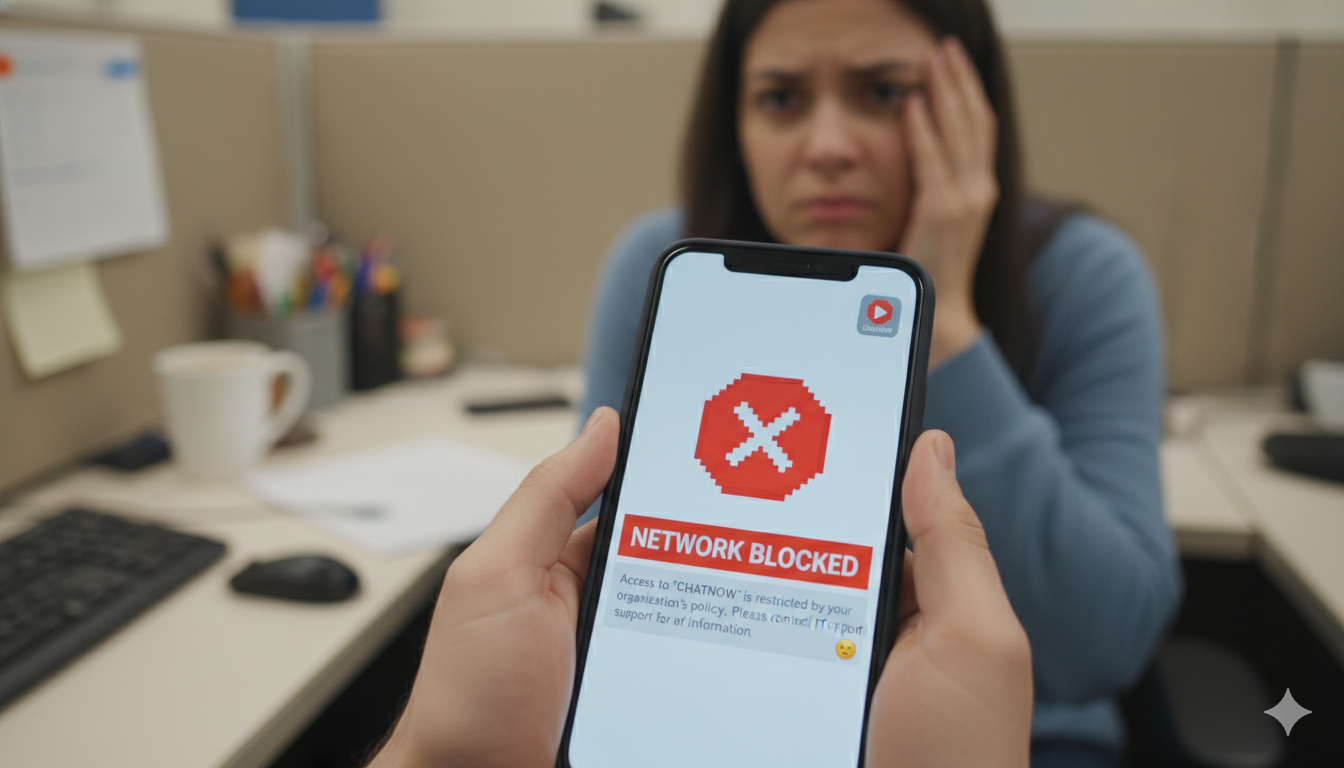
Hey there! If you are sitting at your school desk or a office cubicle and trying to open your favorite chat app, you might see an annoying block screen. It is a big bummer when you just want to talk to your friends or check a community server during your break. Networks often block the app to keep people focused, but do not worry.
Getting discord unblocked is actually much easier than you think, and you do not need to be a computer wizard to do it. This guide will walk you through the simplest ways to bypass network filters safely and quickly.
We will cover everything from simple web tricks to smart browser tools. By the end of this guide, you will know exactly how to get back into your servers on any computer, including school Chromebooks. Let’s look at the best tricks that work right now.
Why Is Discord Blocked at School and Work?
School and workplace networks use smart software systems called firewalls. These firewalls read the web addresses you type into your browser. If a network administrator puts a site on the banned list, the firewall stops your connection instantly.
Most schools block the app because they worry students will chat instead of finishing their work. Offices do the same thing to keep productivity high. Sometimes, networks block the app because voice chats and streaming use up too much internet bandwidth, which slows down the web for everyone else.
Knowing how these blocks work is the first step to finding a workaround. When you use a discord unblocked trick, you are simply hiding your destination from the local network filter.
Use a Virtual Private Network (VPN)
A Virtual Private Network, or VPN, is the most reliable way to get discord unblocked. A VPN works by creating a secret, encrypted tunnel between your device and a secure external server.
When you use a VPN, the school or office firewall cannot see what website you are visiting. It only sees a pile of scrambled, secure data moving back and forth. Since the network does not know you are trying to open Discord, it lets the connection pass right through.
To use this method, you just download a trusted VPN app on your phone or computer, turn it on, and pick a nearby server location. Once connected, open your chat app like normal. Premium services like NordVPN or Surfshark offer excellent speeds, while ProtonVPN offers a safe free plan.
Try the Best Discord Browser Extensions
Many school computers block you from installing normal software apps. If you cannot download a full VPN app, using a browser extension is a brilliant backup plan.
These extensions install directly inside Google Chrome or Microsoft Edge without needing a computer administrator password. They act as a mini-proxy for your browser traffic, shielding your activity from local filters.
Popular extensions like Windscribe or Browsec are highly favored by students because they can get discord unblocked in just two clicks. You simply visit the Chrome Web Store, search for the extension, click add, and turn it on. It is an easy way to use the web client without triggering any admin alerts.
Unblock Discord Using Secure Web Proxies
A web proxy is another handy tool that acts like a helpful middleman for your internet connection. Instead of connecting directly to the chat servers, your computer connects to the proxy website, and the proxy fetches the page for you.
This means your school firewall only sees the web address of the proxy site, not the chat platform. It is a quick fix if you are using a locked-down computer where extensions are disabled.
However, you should avoid random, sketchy free proxies you find on Google search pages. Many of them are incredibly slow, crawl with ads, or might try to steal your login password. Stick to trusted web proxies or premium SOCKS5 proxy connections to stay completely safe while chatting.
Switch to the Discord Web Version
Sometimes, network administrators get lazy. They might spend a lot of time blocking the actual desktop application, but they completely forget to block the web browser login page.
Before you try any heavy technical workarounds, open a browser window and type in the official web application link: [discord.com/app](https://discord.com/app).
If the network team only blocked the app ports, the browser version will load up perfectly. It looks and feels exactly like the desktop app. You can type in text channels, share funny memes, and catch up on group projects without any extra tools.
Use Your Mobile Hotspot Data
If the school Wi-Fi network is locked down tighter than a vault, the best move is to bypass the school network completely. You can do this easily by using the mobile data on your smartphone.
Go into your smartphone settings and turn on the “Personal Hotspot” or “Portable Wi-Fi Hotspot” feature. This makes your phone act like a mini home router.
Next, open the Wi-Fi settings on your laptop or school Chromebook and connect to your phone’s hotspot. Since you are now using your own cellular data network, the school firewall has zero control over what you do. Just keep an eye on your mobile data limit so you do not run out!
Access the App with a USB Portable Browser
When school administrators lock down the Chrome Web Store, you cannot add extensions. You can beat this restriction by planning ahead at home using a standard USB thumb drive.
At home, download a “portable browser” like Firefox Portable or Brave Portable onto your USB flash drive. These special browsers run entirely from the thumb drive and do not need to be installed on the computer’s hard drive.
You can even install your favorite VPN extensions onto the portable browser while you are at home. When you get to school, plug the USB drive into your school computer, launch the portable browser, and enjoy discord unblocked access instantly.
Change Your Computer DNS Settings
Every time you type a website name, a system called DNS (Domain Name System) translates that name into a computer number. Many basic school firewalls block websites by tampering with the local DNS server.
You can bypass this simple trick by changing your device’s DNS settings to use a free, public DNS service. Google offers a safe public DNS, and Cloudflare offers an incredibly fast one.
To change it, go to your device network properties and manually change your DNS numbers to 8.8.8.8 (Google) or 1.1.1.1 (Cloudflare). Once you save the settings and flush your system cache, you might find the website blocks disappear completely.
Open the Platform on a Google Translate Window
This is an old-school schoolyard trick that still works on basic web filters. Google Translate can actually act as a simple web proxy.
Open the Google Translate website and paste the web address discord.com into the left text box. Make sure the left side is set to detect a foreign language, and set the right side to English.
Google Translate will turn the web link on the right side into a clickable blue link. When you click it, Google will load the chat page inside the translation window. The school firewall thinks you are just doing foreign language homework!
Complete Discord Unblocking Methods Comparison
Here is a quick look at how the different methods stack up against each other. This will help you pick the best tool for your exact situation.
| Method | Setup Speed | Safety Level | Works on Voice Chat? | Best For |
| VPN App | Fast (2 Mins) | Extremely High | Yes | Personal Laptops & Phones |
| Chrome Extension | Very Fast (1 Min) | High | Yes | School Chromebooks |
| Web Proxy | Instant | Medium | No (Often Breaks Voice) | Quick Text Chat Checks |
| Mobile Hotspot | Instant | Maximum | Yes | When Wi-Fi is Totally Blocked |
| Portable USB Browser | Needs Home Setup | High | Yes | Highly Restricted Computers |
| Google Translate Trick | Instant | Low | No | Weak Firewalls Only |
How to Stay Safe While Unblocking Apps
Whenever you bypass a network block, your number one goal should be safety and privacy. You never want to compromise your personal account security just to send a few messages.
Critical Safety Note: Never use completely free, untrusted web proxies or shady “unblocked games” sites to log into your account. These sites can log your keystrokes and steal your password. Always use HTTPS secured connections.
It is also highly recommended to turn on Two-Factor Authentication (2FA) in your app settings. This adds a protective shield to your account. Even if someone manages to catch your password on a bad proxy, they cannot log into your account without the secret security code sent to your phone.
Frequently Asked Questions
Can I get caught using a VPN at school?
If you use a high-quality, reliable VPN with a feature called “obfuscation” or “stealth mode,” the school firewall cannot tell you are using a VPN. It just looks like normal web traffic. However, if a teacher walks past your desk and looks directly at your open screen, they will see you chatting! Always be smart about when you use it.
Why does voice chat stop working on a web proxy?
Web proxies are great for loading text, pictures, and simple layouts. However, voice chat uses a special real-time web system called WebRTC to connect audio streams. Most simple web proxies cannot handle this data traffic, causing the voice connection to drop. If you want to jump into a voice channel, a VPN is always the better choice.
Will these unblocking methods work on a school Chromebook?
Yes! The browser extension method and the mobile hotspot trick are the absolute best options for school-issued Chromebooks. Since Chromebooks rely entirely on the Chrome browser, adding a lightweight proxy extension or connecting to your phone’s cellular data will bypass restrictions smoothly.
Are free VPNs safe to use for chat apps?
Most totally free VPNs make money by tracking your web history and selling your data to advertising companies. They also have very slow speeds and crowded servers. If you must use a free option, look for reputable services like ProtonVPN, which offers a secure free plan with unlimited data but limited server locations.
What should I do if my VPN gets blocked by the school?
If your current VPN stops working, it means the network team blacklisted that specific server’s IP address. Open your VPN app settings and try connecting to a different country or city server. You can also look in the app settings to switch your network protocol to WireGuard, which is much harder for firewalls to detect.
Can I use the Tor browser to open the app?
Yes, the Tor browser is excellent at busting through heavy censorship and blocks. However, the Tor network routes your data through multiple global nodes, which makes your internet speed very slow. It works fine for reading text messages, but it is way too slow for gaming or clear voice calls.
Wrapping Up: Get Back to Your Communities Safely
As we have seen, a blocked network does not have to keep you away from your friends. Whether you choose a fast browser extension, a secure VPN tunnel, or a quick mobile hotspot connection, you have plenty of great ways to get discord unblocked in 2026.
Just remember to keep safety your main priority. Use trusted tools, shield your account with two-factor authentication, and avoid sketchy websites. Be respectful of your school and work guidelines, use these tricks during your free breaks, and have fun staying connected!